Home01 Tech todayNo. 071
What Does Airplane Mode Do, and When Is It Worth Using?
What airplane mode switches off, what keeps working, whether it saves battery or blocks texts, and smart uses for it on flights, abroad and at home.
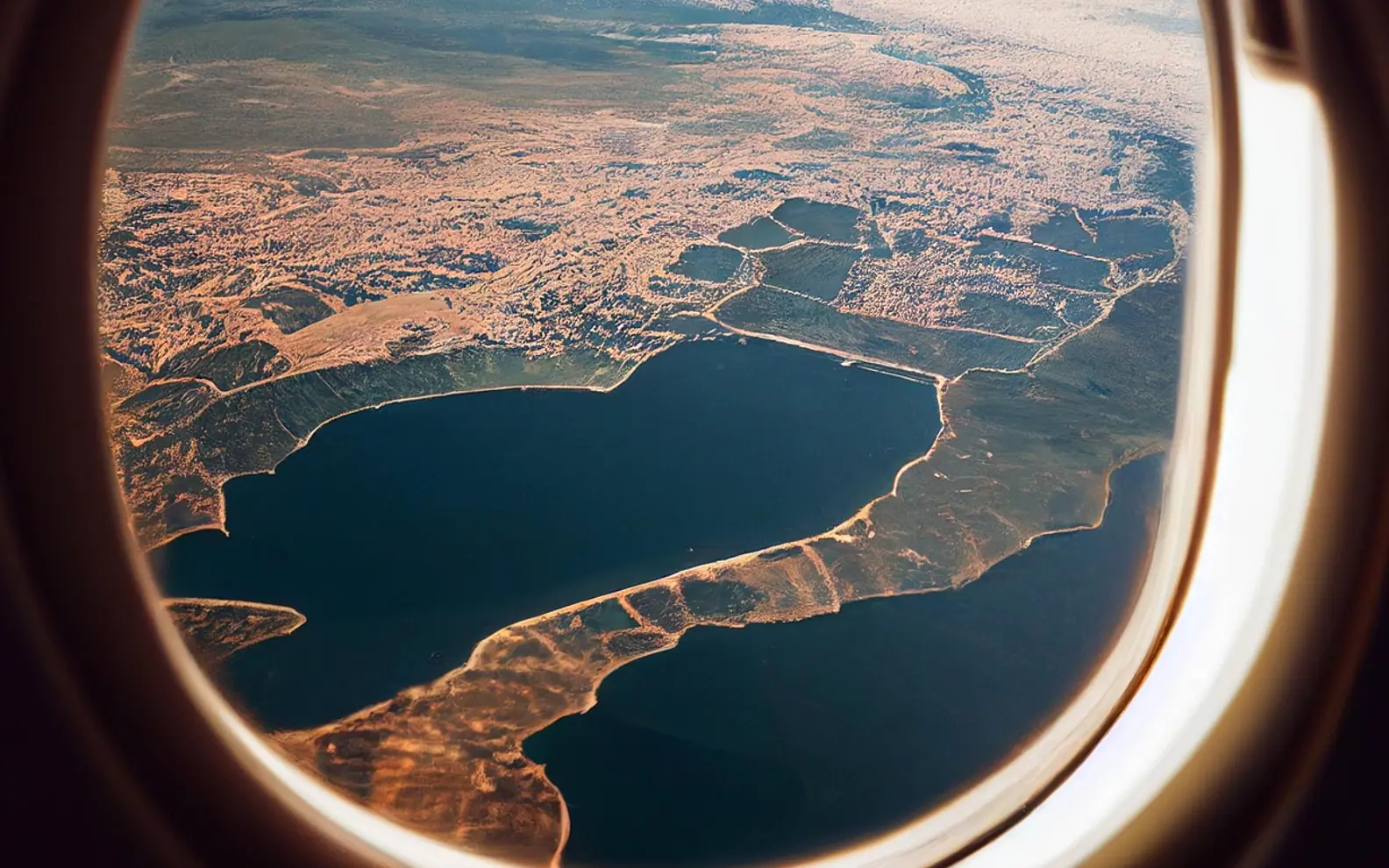
Airplane mode switches off the parts of a phone that transmit: the mobile radio first and foremost, and on most phones Wi-Fi and Bluetooth as well. Calls, text messages and mobile data stop until you turn it off again. Everything stored on the phone, from photos and alarms to downloaded music, keeps working as normal.
It is also more flexible than many people assume. You can switch Wi-Fi and Bluetooth back on while staying in airplane mode, which opens up uses well beyond flights.
What turns off, what keeps working
| Feature | In airplane mode |
|---|---|
| Phone calls and regular text messages | Off, unless Wi-Fi calling is available over Wi-Fi |
| Mobile data | Off |
| Wi-Fi | Off by default; can be switched back on manually |
| Bluetooth | Off by default on many phones; can be switched back on |
| GPS location | Often still works, because GPS only receives signals; maps need to be downloaded in advance |
| Camera, alarms, offline games, downloaded media | Work normally |
Many phones remember your choice. If you turn Bluetooth back on during a flight to use wireless headphones, the phone may keep Bluetooth on the next time you enable airplane mode.
Why airlines ask for it
Aviation rules have long required phones to stop transmitting on the mobile network in flight, and crews remind passengers at boarding. Many airlines now allow Wi-Fi and Bluetooth on board, especially where in-flight internet is offered. The rules differ between airlines and countries, so follow the crew's instructions rather than any general rule of thumb.
Can you get texts in airplane mode?
Regular SMS messages will not arrive while the mobile radio is off. The network holds them and delivers them when you switch airplane mode off and the phone reconnects. Messages sent through internet-based messaging apps arrive normally if you have turned Wi-Fi back on.
If your carrier supports it, Wi-Fi calling can even carry regular calls and texts while airplane mode stays on and Wi-Fi is enabled. The details, including costs abroad, are in Wi-Fi calling explained.
Does airplane mode save battery?
Yes, and the effect is strongest where reception is poor. A phone in a weak-signal area keeps searching for and holding on to a distant mast, which takes power. Cutting the radio stops that work. Some people also find a phone charges a little faster in airplane mode because fewer components are busy. It will not double your battery life, but on a long day with patchy coverage it can make a real difference.
Everyday uses beyond flying
- Weak-signal days: in a remote area, airplane mode with Wi-Fi on stops the phone wearing out its battery hunting for a signal.
- Fixing a stuck connection: toggling airplane mode on and off for a few seconds makes the phone reconnect to the network, a quick fix when mobile data or calls stop working.
- Travelling abroad: keeping the mobile radio off and using Wi-Fi helps avoid unexpected roaming charges; people who work on the move, as in living the digital nomad life, often rely on it.
- Focus time: calls and messages stay away while you read, study or sleep, though a focus or do-not-disturb mode is usually a better fit for that.
- Children and offline games: it stops in-app purchases and online chat while a child plays a downloaded game.
Airplane mode vs do not disturb vs low power mode
These settings are easy to confuse:
- Airplane mode cuts the radios. Nothing comes in or goes out over the mobile network.
- Do not disturb or focus modes keep the phone connected but silence notifications, often with exceptions for chosen people and repeated calls.
- Low power or battery saver modes reduce background activity and screen brightness while keeping calls and data running.
If the goal is not missing an urgent call while avoiding distractions, do not disturb is the better choice. If the goal is to stop transmitting entirely, airplane mode is the only one that does it.
Things to keep in mind
- Some phones will try to place an emergency call even in airplane mode, but do not rely on that. If you can, switch it off before dialling an emergency number.
- Apps that sync in the background will catch up once you reconnect, so expect a burst of notifications.
- If an app still seems broken after reconnecting, the problem may be on the app side; what clearing cache does explains the next fix to try.
Quick answers
Can I use Wi-Fi in airplane mode?
Yes. Turn airplane mode on, then switch Wi-Fi back on from the settings or control panel.
Does airplane mode turn off location?
Not always. GPS reception often continues, although location without mobile or Wi-Fi assistance can be slower and less precise.
Will an alarm still go off?
Yes. Alarms are stored on the phone and do not need a connection.
Good places to start
 BusinessMaking the Most of Your Space: Strategies for Efficient Use of Waste Containers2 min
 iPhoneThe Rising Popularity of Third-Party iPhone Repair Services2 min
 InvestingFirst Charge vs Second Charge Bridging Loans: What’s the Difference?2 min
 ApplicationsMastering Visual Storytelling with Cinepunch Video Creation Suite2 min