Home11 InnovationNo. 064
Wi-Fi Calling Explained: Is It Free, and Should You Turn It On?
What Wi-Fi calling is, how it carries normal calls over the internet, when it costs nothing extra, and whether to switch it on for weak indoor signal.
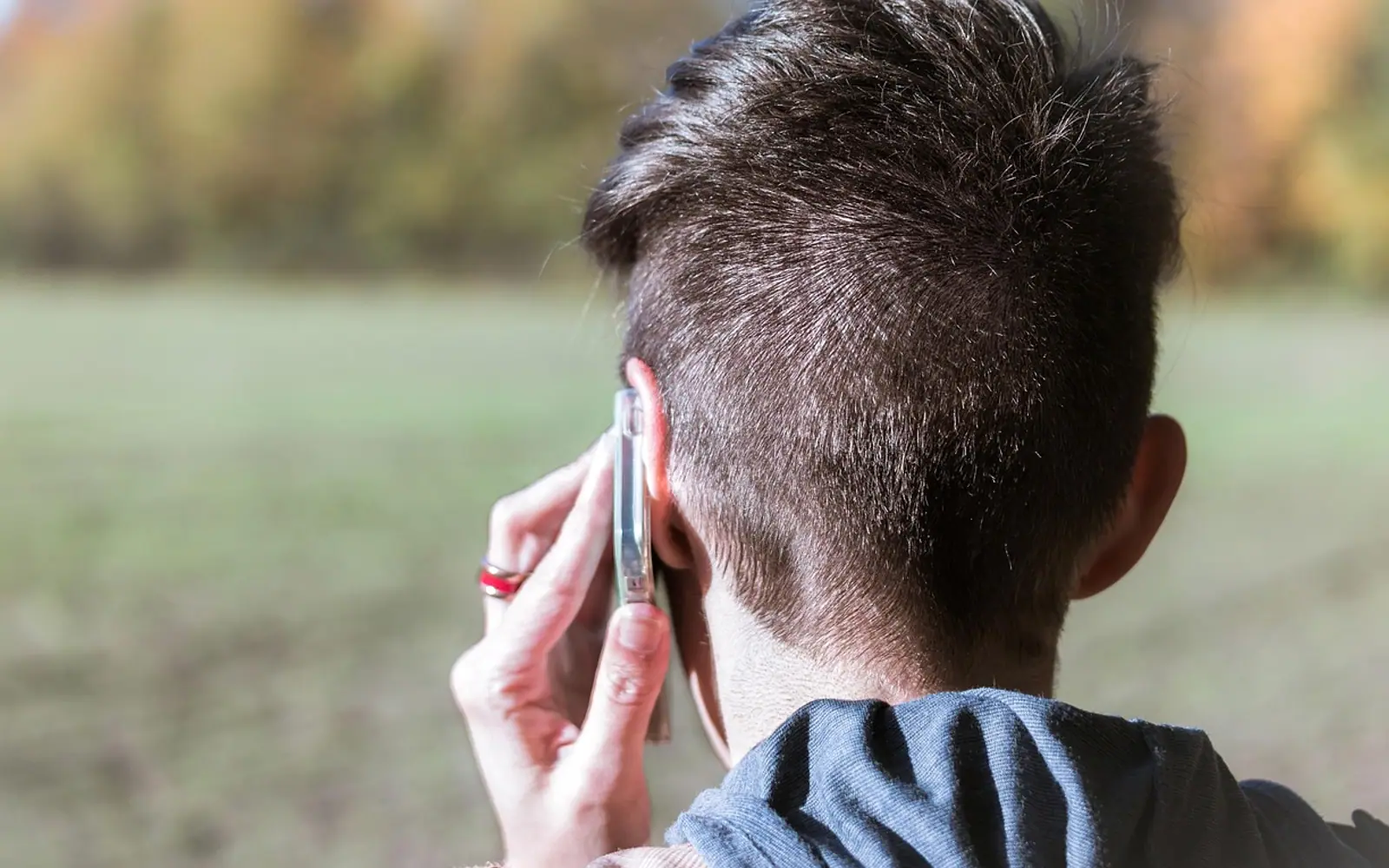
A thick-walled flat, a basement office, a farmhouse at the edge of coverage: plenty of places have fast broadband but barely one bar of mobile signal. Wi-Fi calling exists for exactly that gap. It lets your phone place and receive normal calls, and usually text messages, through a Wi-Fi connection instead of the nearest mast.
In most cases it costs nothing extra on a domestic plan and is worth switching on. The details depend on your carrier, so the sections below explain what to check.
What Wi-Fi calling actually is
Wi-Fi calling is a carrier feature, not an app. When it is active, your phone opens a secure connection over the internet to your mobile operator's network and hands the call to it from there. To the person you are calling, nothing looks different: the call comes from your normal number, and they do not need any special app or account.
That is the main difference from internet calling apps. Those apps route calls through their own service and only work when both people have the same app installed. Wi-Fi calling uses the phone's built-in dialler and your existing mobile number, so it works with landlines and any other phone.
How a call moves between Wi-Fi and mobile
On many networks a call that starts on Wi-Fi can continue on the mobile network when you walk out of range, and the reverse. This handover relies on the carrier also supporting voice over 4G or 5G. Where it is not supported, a call may drop when the Wi-Fi does, so it helps to stay put during important calls on a patchy connection.
The phone decides which route to use. Typically it prefers the mobile network when signal is good and switches to Wi-Fi when it is weak, though some phones let you set a preference.
Is Wi-Fi calling free?
The honest answer is "usually, at home". In broad terms, it tends to break down as follows:
| Situation | Typical cost picture | What to check |
|---|---|---|
| Calling a domestic number from home | Counted like a normal call from your plan's minutes | Whether your plan has unlimited or capped minutes |
| Mobile data use | None; the call travels over Wi-Fi | Whether the Wi-Fi itself has a data cap |
| Abroad, calling your home country | Some carriers bill it as a domestic call | Your carrier's terms for Wi-Fi calls while travelling |
| Calling an international number | Normally charged at international rates | The rate card for the destination |
| Hotel or café Wi-Fi | Free calls, but the connection may be paid or slow | Any access fee and the connection quality |
Because rules vary, read the Wi-Fi calling section of your carrier's help pages or plan summary before relying on it overseas. Some operators also limit the feature in certain countries.
Should you turn on Wi-Fi calling?
For most people the benefits outweigh the drawbacks.
Reasons to switch it on
- Clearer, steadier calls in rooms where mobile reception is poor.
- Calls and texts can still reach you on a ship, plane or remote site that offers Wi-Fi.
- Your phone does not have to strain for a weak signal, which can be gentler on the battery.
- Useful for people who work from rented spaces and travel often; the habits described in living the digital nomad life are a good example of where it pays off.
Reasons to think twice
- A congested or unstable Wi-Fi network can make calls choppy.
- Emergency services may not be able to locate you automatically on Wi-Fi. When you enable the feature, you are usually asked for an emergency address; keep it up to date when you move.
- Public networks can be unreliable, and some block the ports that Wi-Fi calling needs.
How to turn it on
The menus differ between phone makers and software versions, but the setting usually sits in one of these places:
- iPhone: Settings, then Phone (under Apps on recent versions), then Wi-Fi Calling. Switch on Wi-Fi Calling on This iPhone and confirm the emergency address if prompted.
- Android: open the Phone app, tap the menu, choose Settings and look under Calls or Calling accounts for Wi-Fi calling. On some phones it is under Settings, Network and internet, then the SIM entry.
- If you cannot find the option at all, your carrier or plan may not support it yet. A quick message to customer service will confirm.
Once active, the status bar normally shows a Wi-Fi label next to the carrier name or a small phone-and-Wi-Fi icon during calls.
Wi-Fi calling and airplane mode
On a flight or in a place where mobile transmitters must stay off, you can enable airplane mode and then switch Wi-Fi back on. If the carrier supports it, Wi-Fi calling carries calls and texts over that connection while the mobile radio stays off. What airplane mode does explains which radios that setting controls.
Quick answers
Does Wi-Fi calling use my mobile data?
No. It uses the Wi-Fi connection. Mobile data only comes into play if the call hands over to the mobile network.
Can I send texts with Wi-Fi calling?
On most carriers that support the feature, regular text messages also travel over Wi-Fi.
Is Wi-Fi calling secure?
The connection between the phone and the carrier is encrypted. Still, a trusted home or office network is a better choice than an unknown public hotspot, and strong router and account passwords help; see how to create a strong password.
Good places to start
 BusinessMaking the Most of Your Space: Strategies for Efficient Use of Waste Containers2 min
 iPhoneThe Rising Popularity of Third-Party iPhone Repair Services2 min
 InvestingFirst Charge vs Second Charge Bridging Loans: What’s the Difference?2 min
 ApplicationsMastering Visual Storytelling with Cinepunch Video Creation Suite2 min