Home01 Tech todayNo. 072
Smart Home Routines for Movie Night
How to build a smart home routine for movie night: dim lights, close blinds, switch the TV input, set the volume, plus scenes for sport and offline fallbacks.
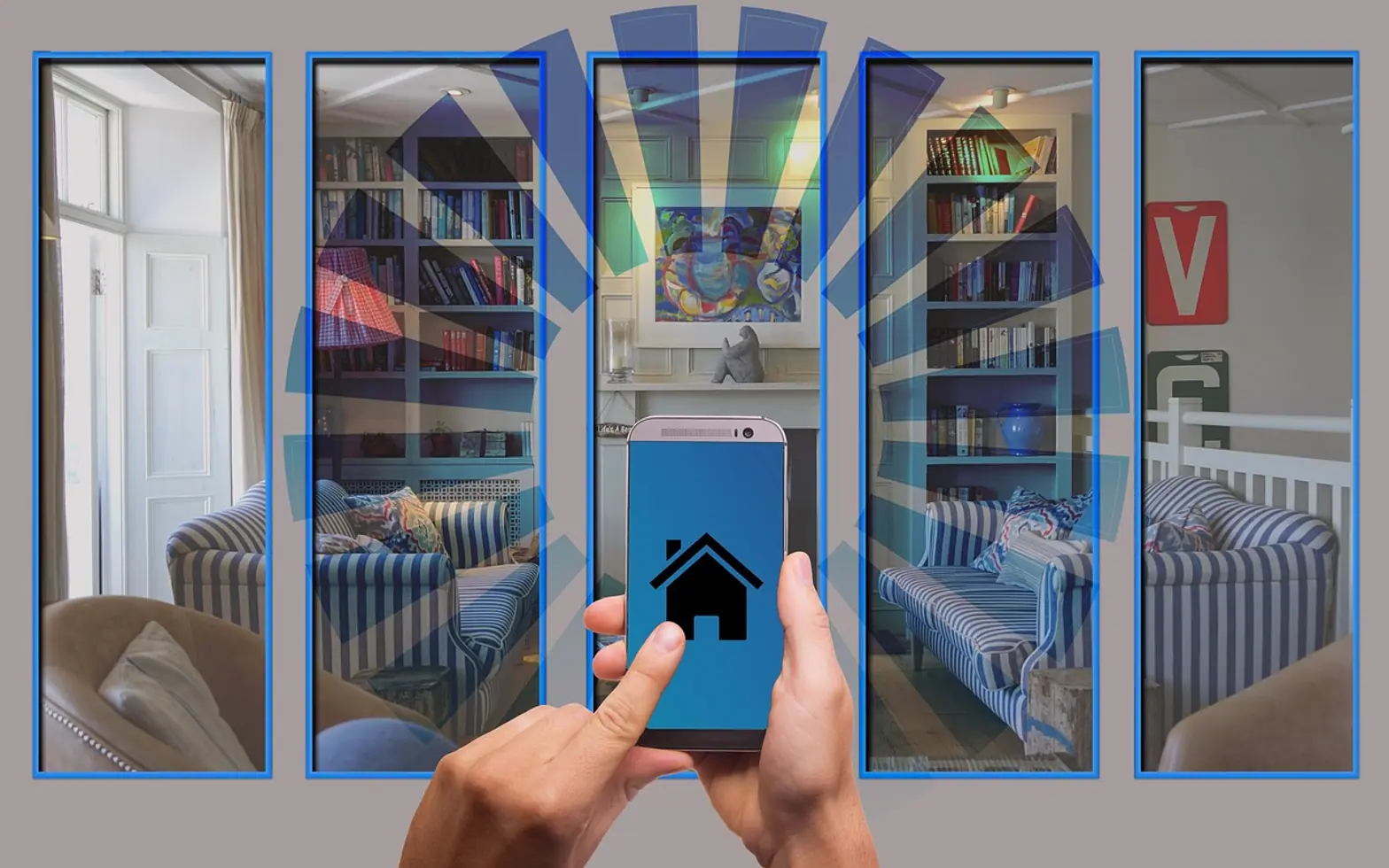
A good movie night routine does four things in one step: it dims the lights, closes the blinds, switches the television to the right input and sets the sound to a sensible level. Everything else, from motion sensors to separate scenes for sport, is refinement. The trick is to build the routine around what the room actually needs, keep it short, and make sure every device still works by hand when the network has a bad evening.
Start with the room, not the app
Before opening any smart home app, sit where you normally watch and note what bothers you. Perhaps a ceiling light reflects off the screen, the blinds let in streetlight, or the soundbar always starts too loud. Those observations become the actions in your routine. A routine that copies a template from the internet often ends up switching off a lamp you wanted on, or turning on a device you no longer own.
Make a simple list of the devices involved and how each one is controlled:
- Lights: smart bulbs, smart switches or plugs behind ordinary lamps.
- Blinds or curtains: motorised, or a manual step you accept doing yourself.
- Television: whether it accepts commands over the network, via HDMI-CEC from another device, or only by its own remote.
- Sound: a soundbar or receiver that may follow the TV automatically or need its own command.
Building the core routine
Most smart home platforms let you chain actions under one trigger, such as a button, a voice phrase or a tile on your phone. A dependable order looks like this:
- Close the blinds first. Motors are slow, so starting them early means the room is dark by the time the film begins.
- Dim the main lights to a low level rather than off, and leave one warm, indirect lamp on behind or beside the screen. It reduces eye strain and stops people tripping over the coffee table.
- Turn on the television and pick the input. If your TV cannot be told which input to use, starting the streaming box or console often switches it automatically through HDMI-CEC.
- Set the volume to a fixed starting level. A predictable volume beats whatever was left over from yesterday's loud game.
- Add a short delay where needed. Some televisions ignore commands for a few seconds after waking up, so a pause before the input and volume steps avoids half-finished runs.
Then build the reverse routine, often called something like "lights up", which reopens the blinds, brings the lights back to normal and switches the screen off. People forget this half and end up fumbling in the dark when the credits roll.
Different scenes for sport and films
Live sport and films want different rooms. A film benefits from darkness and a wider dynamic range in the sound. A match with friends needs more light, so people can see their drinks and each other, and clearer commentary over crowd noise.
A Dutch living-room example
Picture a terraced house in Utrecht with a sofa facing a wall-mounted screen and a tall window to the side. The film scene closes the blinds fully, drops the ceiling spots to a glow and leaves a floor lamp on at low warmth. The sport scene closes the blinds halfway against the low winter sun, keeps the kitchen lights on for half-time snacks and opens the live-TV app instead of the film app. Households that look at IPTV Nederland services for live channels can usually launch that app from the same scene, so one tap lands directly on the channel list instead of a home screen full of tiles.
Motion sensors and timers, used with restraint
Motion sensors are excellent in hallways and poor in living rooms during a film, because people sit still for long stretches and the lights switch off around them. If you use one in the lounge, set it to turn lights on only, never off, or disable it while the movie scene is active. Timers work better for gentle extras, such as slowly raising the lights after a set period if nobody has stopped the film, or switching off a forgotten lamp late at night.
When the Wi-Fi drops
A routine that depends entirely on the internet will fail at the worst moment. Some ways to keep things working:
- Prefer devices and hubs that can run routines locally on the home network, without contacting a cloud server.
- Keep wall switches usable. A smart bulb behind a switch that someone turns off becomes unreachable, so smart switches or switch covers help.
- Store the original remotes in one drawer rather than throwing them away.
- Write the steps of the routine down, so anyone in the house can recreate the room by hand.
Privacy and basic security for connected devices
Every connected bulb, plug and speaker is a small computer on your network. Change default passwords, use a separate guest or device network if your router supports it, and install firmware updates when they arrive. Our guide to creating a strong password applies just as much to the smart home app account that controls all of this. Review which devices have microphones, check what voice recordings are stored, and remove old devices from the app when you replace them.
Can one routine control equipment from different makers?
Often, yes, as long as each device is supported by the same platform or a shared standard. Where one device refuses to join, a smart plug or an infrared bridge can sometimes act as a go-between. Check compatibility lists before buying anything new for the room.
What should happen if someone pauses the film to answer the door?
A small "pause" scene that raises the lights to about half without opening the blinds is worth adding. It is easy to trigger from a phone or a spare button and keeps the hallway visible without ruining the mood. For wider context on how connected homes are designed from the start, see the rise of smart homes in new housing.
Start with the core four steps, live with them for a week of evenings, and change one thing at a time. A routine that the whole household trusts is worth more than an elaborate one that only its creator understands.
Good places to start
 BusinessMaking the Most of Your Space: Strategies for Efficient Use of Waste Containers2 min
 iPhoneThe Rising Popularity of Third-Party iPhone Repair Services2 min
 InvestingFirst Charge vs Second Charge Bridging Loans: What’s the Difference?2 min
 ApplicationsMastering Visual Storytelling with Cinepunch Video Creation Suite2 min