How to Create a Strong Password You Can Remember
Strong passwords do not have to be impossible to remember. Learn how passphrases work, why length beats symbols, and where password managers and 2FA fit in.
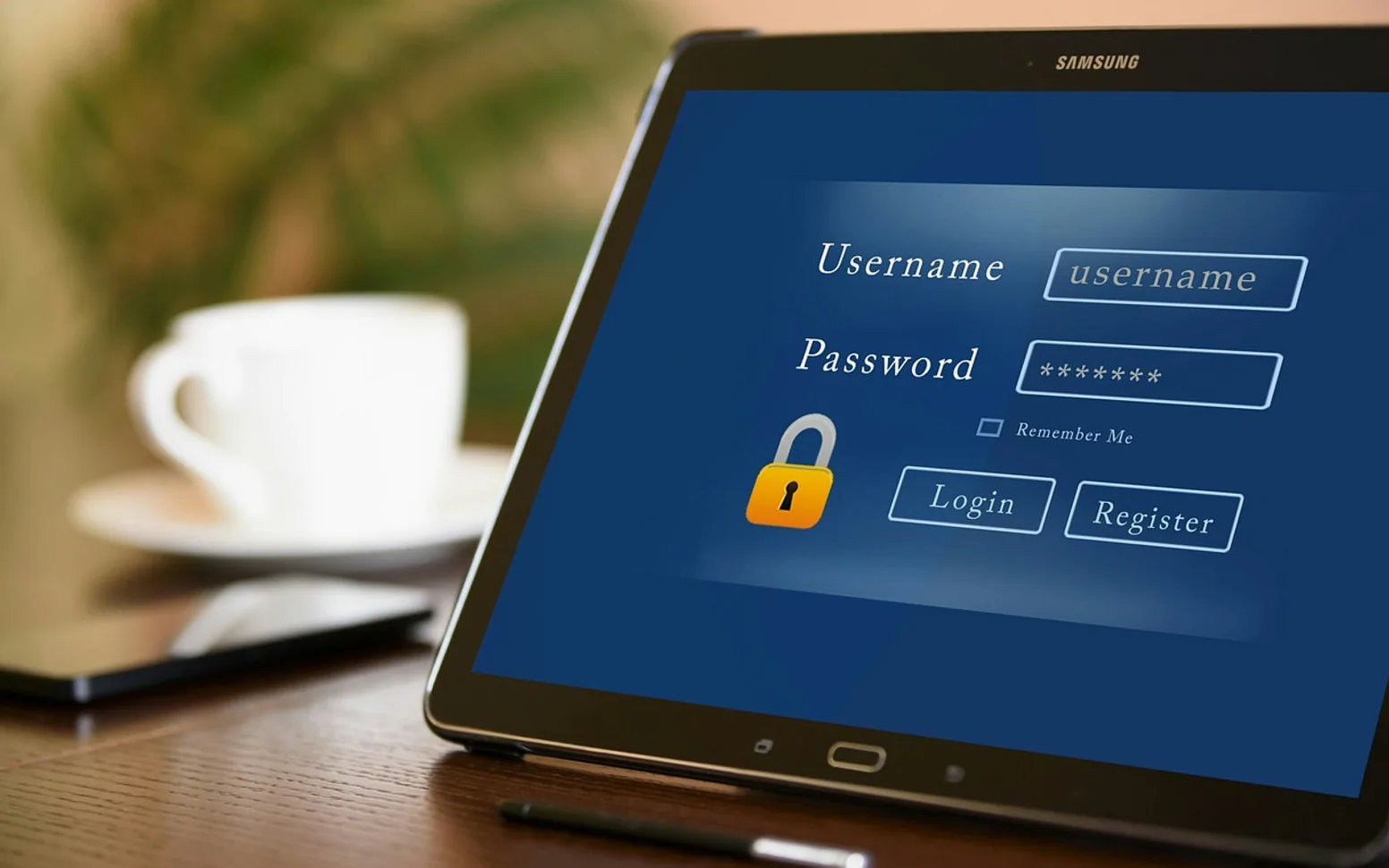
For years, the standard advice was to cram uppercase letters, numbers and symbols into a short password and change it every few months. The result was a generation of passwords like a capitalised word followed by a year and an exclamation mark, which are hard for people to remember and not especially hard for software to guess. Thinking has moved on. Today, the most useful advice fits into three ideas: make passwords long, make each one unique, and let software carry most of the load.
How passwords actually get broken
It helps to know what you are defending against. Attackers rarely sit and type guesses by hand. Instead they:
- reuse leaked passwords from one breached site to try logging in to many others;
- run automated guesses through huge lists of common passwords, words and predictable variations;
- trick people into typing their password into a fake login page.
A strong password protects against the second threat. Uniqueness protects against the first. Only habits, and two-step sign-in, protect against the third.
Length beats complexity
Each extra character multiplies the number of possible combinations an attacker has to try. That is why a long password made of ordinary words can be far stronger than a short one full of symbols. It is also why many security bodies now recommend allowing, and using, long passwords rather than forcing complex short ones.
Build a passphrase
A passphrase is several unrelated words strung together. The key word is unrelated: a line from a song or a famous quote is predictable, while a random combination is not.
- Pick four or more words that have nothing to do with each other or with you. Rolling dice against a printed word list is a classic way to make the choice truly random.
- Join them with spaces, hyphens or another separator the site allows.
- If a site insists on a number or symbol, add one somewhere you will remember rather than always at the end.
The result looks like a strange little sentence, which is exactly what makes it memorable. Picture the scene the words describe and it tends to stick.
What to avoid
| Avoid | Why |
|---|---|
| Names, birthdays, pets, teams | Easy to find on social media |
| Keyboard patterns and simple sequences | Among the first things guessing tools try |
| Swapping letters for look-alike symbols | Guessing tools already include those swaps |
| One password with small changes per site | One leak reveals the pattern |
One password per account
Reuse is the real danger. When a service is breached, its login data often ends up in lists that are tried against email, banking and shopping sites. If every account has its own password, a leak stays contained. Nobody can remember dozens of unique passphrases, which is where the next tool comes in.
Let a password manager do the remembering
A password manager stores your logins in an encrypted vault, fills them in for you and generates long random passwords on request. You only need to remember one strong passphrase: the one that opens the vault. Most operating systems and browsers now include a built-in manager, and independent apps add features such as sharing with family or working across different systems.
When choosing one, look for a clear explanation of how the vault is encrypted, a track record of independent security reviews, and an easy way to export your data if you ever switch.
Add a second step
Even a perfect password can be stolen through a convincing fake page. Two-step sign-in, also called two-factor authentication, asks for something extra, such as a code from an app or a physical security key. Switch it on first for your email account, because email is how most other passwords get reset, then for banking, cloud storage and anything holding your backups. Passkeys, now supported by many large services, go a step further by replacing the password with a key stored on your device.
Streaming and app accounts count too
It is tempting to treat entertainment logins as unimportant, but they often hold payment details and viewing history. Our article on privacy settings for streaming apps shows how much an account can reveal. Give those services the same unique passwords as everything else.
A sensible routine
- Create one memorable passphrase for your password manager and never reuse it.
- Let the manager generate unique passwords for every other account.
- Turn on two-step sign-in for email first, then for other important accounts.
- Change a password when a service reports a breach, not on an arbitrary schedule.
- Be suspicious of login links in unexpected messages; type the address yourself.
None of this requires technical skill, only an hour of setup. Once it is in place, you will type fewer passwords than before while being far better protected.
Good places to start
 BusinessMaking the Most of Your Space: Strategies for Efficient Use of Waste Containers2 min
 iPhoneThe Rising Popularity of Third-Party iPhone Repair Services2 min
 InvestingFirst Charge vs Second Charge Bridging Loans: What’s the Difference?2 min
 ApplicationsMastering Visual Storytelling with Cinepunch Video Creation Suite2 min