Home07 Industrial TechNo. 069
Static vs Dynamic QR Codes: Which One Should You Print?
Static vs dynamic QR codes: how each type stores its data, which can be edited after printing, scan tracking, costs to watch and safe scanning on a phone.
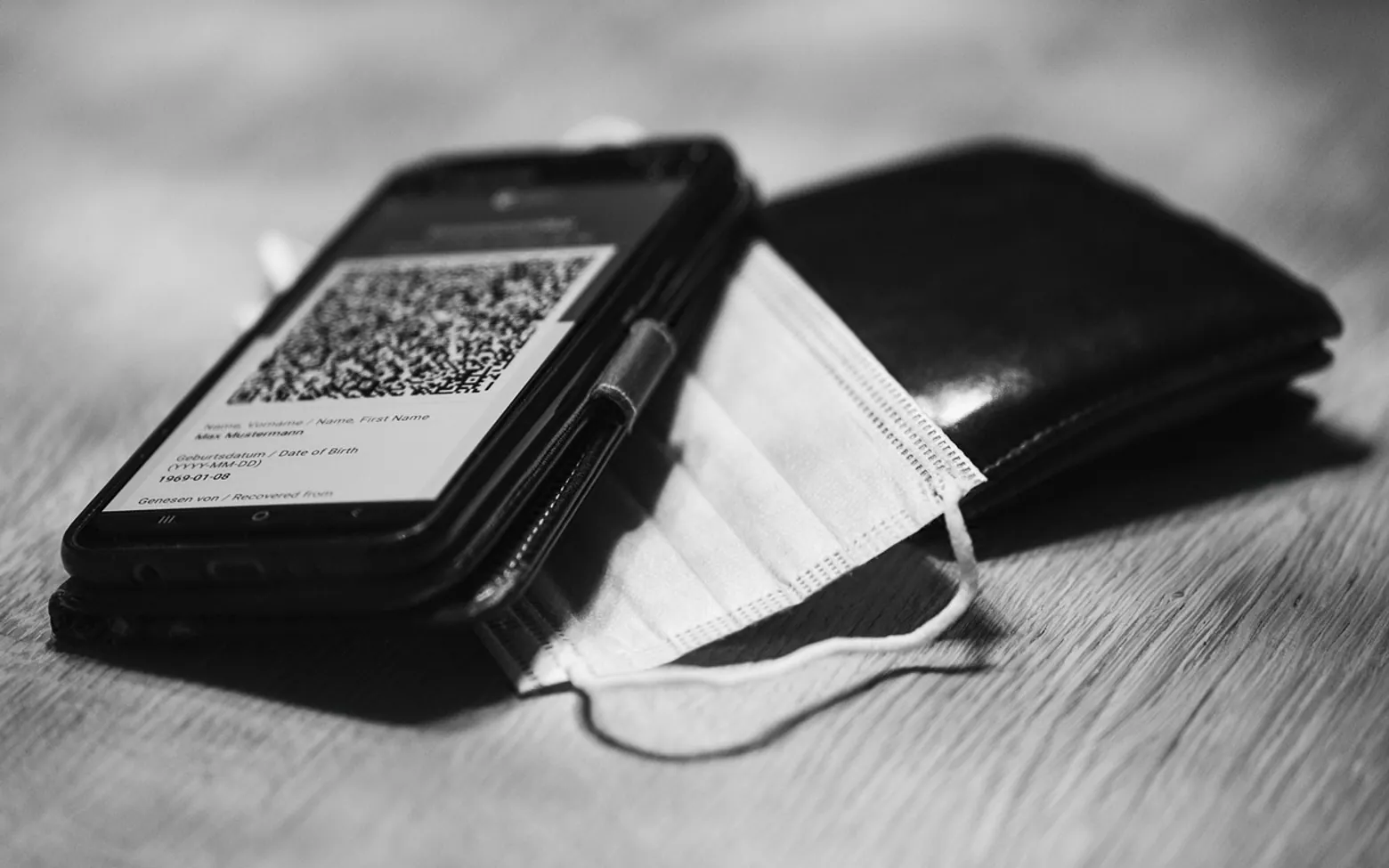
Print a static QR code and its content is fixed forever. Print a dynamic one and you can change where it leads, and usually see how often it is scanned, for as long as the service behind it keeps running. That is the whole trade-off in two sentences. Which type suits you depends on how long the code will be in circulation and how likely its destination is to change.
A quick look at how QR codes work
A QR code is a two-dimensional barcode. It was developed in the 1990s to track vehicle parts on factory lines, and the design still shows those roots: the three large squares in the corners tell a scanner where the code is and which way up it sits, so it can be read quickly from almost any angle.
Unlike a classic barcode, which stores a short number in a single row of lines, a QR code stores data both across and down. That gives it room for web addresses, plain text, contact cards or Wi-Fi details. It also carries error correction: depending on the level chosen when the code is made, a scanner can still read it when part of the pattern is dirty, creased or covered by a small logo. The four levels, named L, M, Q and H, can restore roughly 7, 15, 25 and 30 per cent of damaged data respectively, with higher levels producing denser codes.
Static QR codes
A static code contains the final information directly. Scan a static code for a web page and the phone reads the full address straight from the pattern.
- Strengths: works forever, needs no account or subscription, and does not depend on any third party.
- Limits: cannot be edited after printing, has no built-in scan counts, and long content makes the pattern denser and harder to scan from a distance.
- Good for: guest Wi-Fi cards, contact details, equipment serial numbers, links that will never move.
Dynamic QR codes
A dynamic code stores a short redirect address belonging to a QR service. When someone scans it, the service forwards them to whatever destination you have set in your dashboard.
- Strengths: the destination can be changed after printing, scans can be counted, and the short address keeps the pattern simple.
- Limits: if the subscription lapses or the service closes, printed codes may stop working or show someone else's page. Scan tracking also raises privacy questions you may need to cover in your own policy.
- Good for: campaigns, menus and price lists that change, packaging that will be on shelves for years.
Side by side
| Question | Static | Dynamic |
|---|---|---|
| Can the destination change after printing? | No | Yes |
| Ongoing fee? | No | Often, depending on the provider |
| Scan statistics? | Only through your own website analytics | Usually included |
| Works if a provider shuts down? | Yes | Not necessarily |
| Pattern density | Grows with the content | Stays simple |
The middle route many small businesses miss
There is a third option that keeps most of the flexibility without depending on anyone else. Create a static code that points to a short, permanent address on your own website, such as a page called "menu" or "offers". When the content changes, update that page, or set a redirect from it to the new location. The printed code never changes, you pay nothing extra, and your own analytics show the visits.
It fits the low-cost marketing approach described in how to start a small business with no money, and it pairs well with the broader ideas in small business marketing strategies.
Printing tips that save reprints
- Leave a clear white margin around the code, about four modules wide; scanners rely on that quiet zone.
- Keep strong contrast: dark code on a light background works best. Inverted or pale colours fail on some phones.
- Size the code for the distance. A code on a poster across a room needs to be much larger than one on a business card.
- If you add a logo, use a higher error-correction level and keep the logo small.
- Test the final proof with several phones, in daylight and under shop lighting, before the full print run.
- Print a short line of text near the code saying what it opens, so people know what to expect.
Scanning safely on a phone
Most current phones read QR codes straight from the camera app: point the camera at the code and tap the link preview that appears. Before tapping, check that the address shown matches the business you expect. Fake stickers placed over genuine codes on parking meters and posters are a known trick for sending people to look-alike payment pages. If a scanned page asks for card details or a login, it is safer to go to the official site or app directly. A unique password for each account limits the damage if one is ever exposed; see how to create a strong password.
QR codes, barcodes and NFC
A traditional barcode is ideal for stock numbers at a till. A QR code is the easiest way to send a phone user to information. An NFC tag does a similar job with a tap rather than a camera, at a higher cost per item. The trade-offs between chips are covered in NFC vs RFID.
Good places to start
 BusinessMaking the Most of Your Space: Strategies for Efficient Use of Waste Containers2 min
 iPhoneThe Rising Popularity of Third-Party iPhone Repair Services2 min
 InvestingFirst Charge vs Second Charge Bridging Loans: What’s the Difference?2 min
 ApplicationsMastering Visual Storytelling with Cinepunch Video Creation Suite2 min