Home11 InnovationNo. 067
What Is NFC? Near Field Communication on Your Phone, Explained
NFC is the short-range radio link behind tap-to-pay, transit gates and tags. How it works on a phone, what it is used for and whether to keep it on or off.
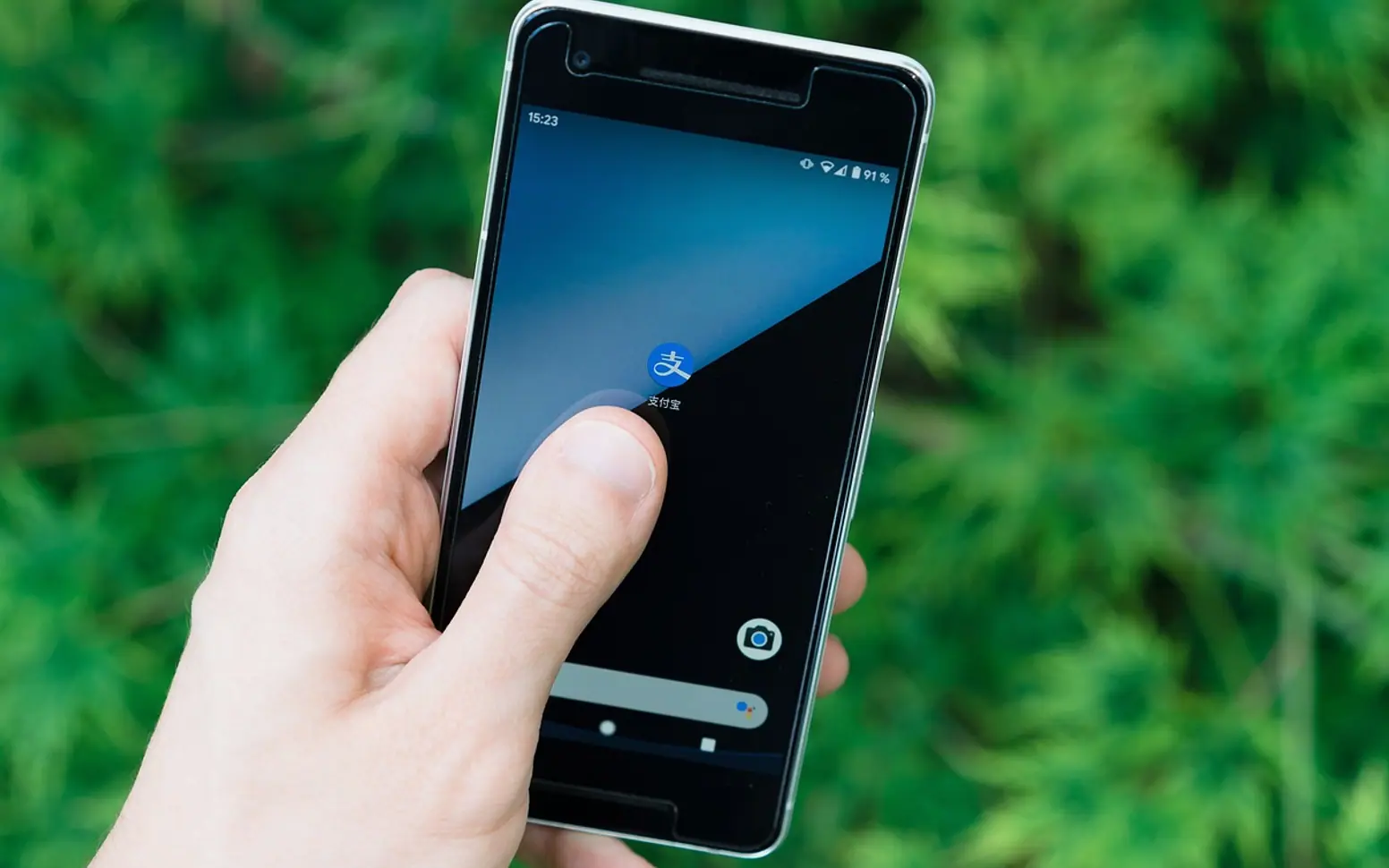
NFC, short for near field communication, is a wireless link that only works when two devices are almost touching, usually a few centimetres apart. Your phone uses it to pay at a card terminal, pass through a transit gate, read a smart tag or pair with a speaker by tapping. The very short range is deliberate: it makes each connection an intentional act rather than something that happens across a room.
How NFC works
NFC grew out of high-frequency RFID and uses the same 13.56 MHz band. An active device, such as a phone or a payment terminal, produces a small magnetic field. When a second device or tag enters that field, the two can exchange data.
The clever part is power. A passive NFC tag has no battery at all. It draws the little energy it needs from the reader's field, wakes up, answers and goes quiet again. That is why stickers, cards and key fobs can carry NFC chips for years without maintenance.
Data rates are modest, which suits the job. NFC is built for quick handshakes such as a payment token, a web address or a pairing code, not for moving large files.
The three ways a phone uses NFC
| Mode | What the phone does | Everyday examples |
|---|---|---|
| Card emulation | Behaves like a contactless card | Tap-to-pay, transit passes, office badges, digital car and hotel keys |
| Reader/writer | Reads or writes a passive tag | Smart posters, product labels, tags that trigger shortcuts, passport chips in travel apps |
| Peer-to-peer | Exchanges small amounts of data with another device | Older tap-to-share features, now mostly replaced by other sharing methods |
Where you meet NFC in daily life
- Payments. Mobile wallets send a one-time token rather than the real card number, and the phone usually asks for a fingerprint, face scan or passcode first.
- Getting around. Many transit systems accept phones and watches at the gate, and some cars can be unlocked with a phone-based key.
- Accessories. Some headphones and speakers start Bluetooth pairing when you tap them against the phone.
- Tags and labels. A sticker on a desk, a museum label or a product box can open a page or start an action on the phone.
- Industry and retail. Asset tags, maintenance logs on machines and anti-counterfeit labels let staff check an item with an ordinary phone instead of a dedicated scanner.
The industrial side is where NFC overlaps with its bigger relative. For the difference in range and purpose, see NFC vs RFID.
Should NFC be on or off?
For most people, leaving it on is fine. A few points help with the decision:
- The range is so short that a reader has to be held right against the phone.
- Payments normally require you to unlock or authenticate, and the token sent cannot simply be reused.
- NFC draws very little power when idle, so switching it off is unlikely to make a noticeable battery difference.
On Android, the switch is usually found under Settings, Connected devices, Connection preferences, NFC. iPhones do not offer a general on/off switch; reading happens when the screen is on, and payments still need your confirmation. If you never use tap-to-pay and prefer fewer active features, turning NFC off on Android costs nothing.
How to find the NFC spot on your phone
The antenna sits under the back cover, often near the top or the middle. If a tap does not register, slide the phone slowly over the tag or terminal until it responds, and remove thick or metal-backed cases, which can block the field.
Using NFC tags yourself
Blank NFC stickers are inexpensive and can be programmed with a phone. A few practical ideas:
- A tag by the front door that switches the phone to a quiet profile or starts a playlist.
- A tag on the guest-room shelf that shares the Wi-Fi details.
- A tag on equipment in a small workshop that opens its manual or service log.
On an iPhone, the Shortcuts app can run automations when a tag is tapped. On Android, a tag-writing app from the official app store does the job. Lock the tag after writing if it will be in a public place, so nobody else can overwrite it.
If you need something that works with any camera, a printed code is the simpler alternative; static vs dynamic QR codes explains which type to print.
Common questions
Is NFC the same as Bluetooth?
No. Bluetooth covers a room and keeps a connection open; NFC covers a few centimetres and is used for quick exchanges. NFC is sometimes used to start a Bluetooth pairing.
Can someone steal my card details through NFC?
The short range and the one-time tokens used by mobile wallets make that difficult. Keeping the phone locked with a strong passcode is the more important habit; creating a strong password you can remember covers the basics.
Does my phone have NFC?
Most current smartphones do. Look for NFC or contactless settings, or check the phone's specifications in its manual.
Good places to start
 BusinessMaking the Most of Your Space: Strategies for Efficient Use of Waste Containers2 min
 iPhoneThe Rising Popularity of Third-Party iPhone Repair Services2 min
 InvestingFirst Charge vs Second Charge Bridging Loans: What’s the Difference?2 min
 ApplicationsMastering Visual Storytelling with Cinepunch Video Creation Suite2 min